Most "apartment upgrade" lists are 40 things you'll never buy. This is four things I bought and still use. I've ranked them by how much they change a normal day, not by how impressive they sound.
1. Real plants (from Easyplant)
This is first on purpose. Nothing else on this list changes how a room feels as much. An apartment with a few real plants feels like somewhere a person lives. Without them it feels like a nice hotel room you're between checkouts in. This goes for a desk you work at all day too.
I have two, both from Easyplant: a Janet Craig (a dracaena with dark, glossy leaves) and a Ficus Audrey (a small tree-shaped ficus with big soft leaves).
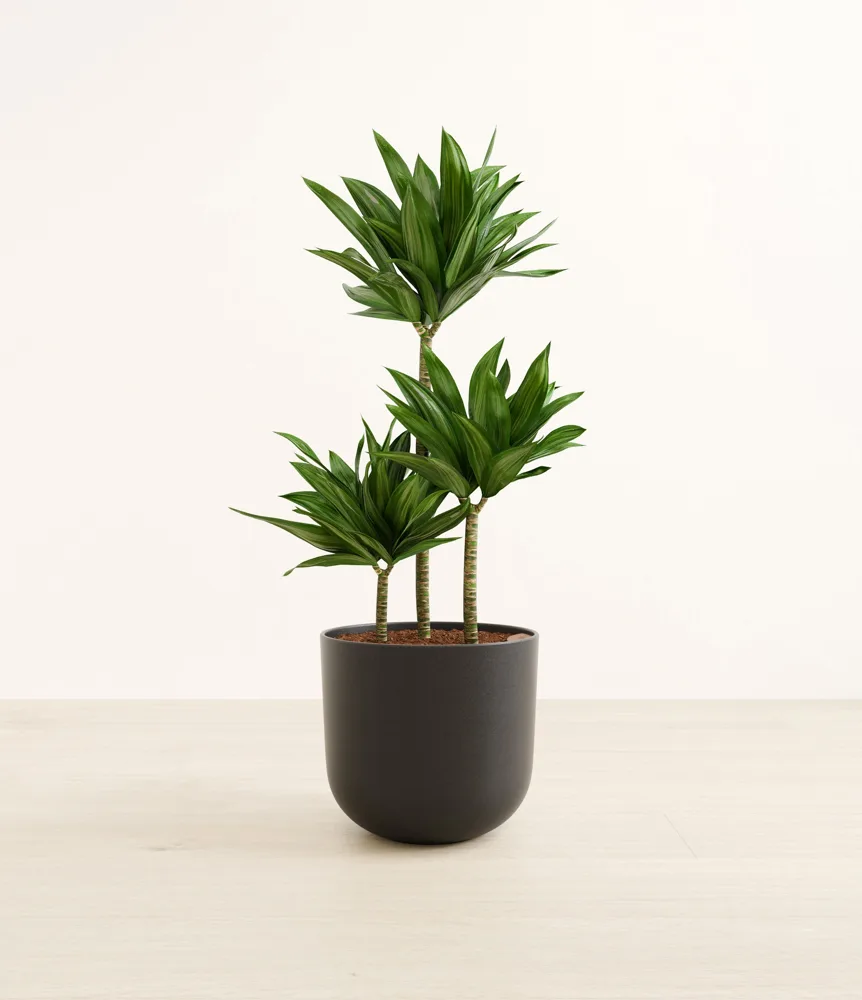

Why Easyplant and not a nursery: you get a plant that's ready to go the moment you open the box. It's already potted in a decent-looking ceramic pot in pastel or neutral colors, and the pot has a self-watering reservoir built in. You never buy soil, a pot, or a saucer, and you never repot anything on your kitchen floor. You fill the reservoir, and the plant pulls water up from below as it needs it. Easyplant says a fill lasts about a month.
That reservoir matters more than it sounds. Plants mostly die from being watered wrong: too much, too little, or forgotten while you're traveling. The self-watering pot takes that whole problem away.
The catch: it's more expensive than buying a plant and a pot separately. You're paying for the pot, the setup, and not having to think about it. I think that's worth it, because the realistic alternative for most guys isn't a cheaper plant. It's no plant.
Skip it if you already like potting plants and have the setup for it. Then a nursery plus a decent pot is the better value.
2. Yale Approach smart lock: the renter-friendly one
Most smart locks replace your deadbolt. If you rent, that means changing hardware your landlord owns and keeping track of their parts until you move out.
The Yale Approach (the Wi-Fi retrofit version) doesn't. It fits over the inside of your existing deadbolt, replacing only the thumb-turn. The outside of the door looks the same, and your landlord's key still works. When you move out, you take it off and put the original thumb-turn back. That's why it works for renters.
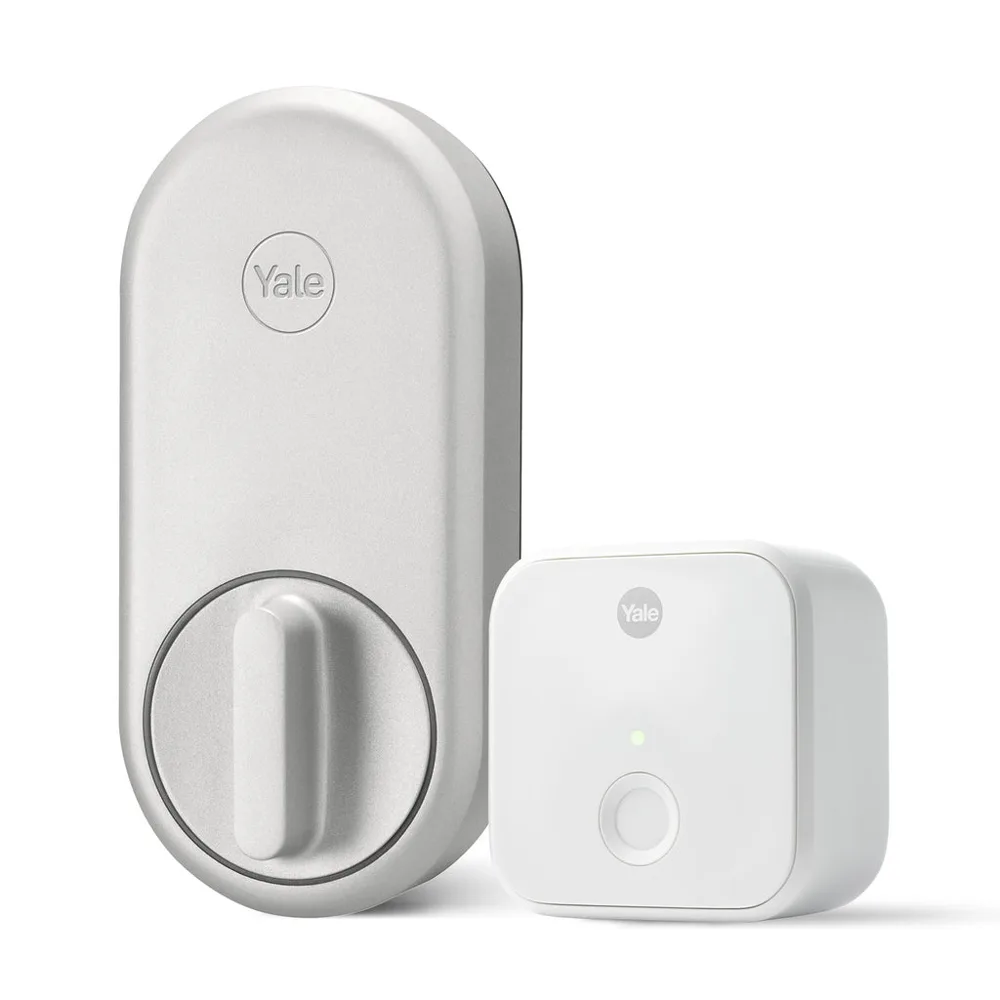
The real value is in Google Home, not Yale's app. Yale's own app works, but it feels clunky for something you do several times a day. Open the app, wait for it to connect, find the lock, tap. The lock became genuinely great once I linked it to Google Home and put an unlock widget on my phone's home screen. Now unlocking the door is one tap from my home screen. That's the whole product for me.
What doesn't work well in an apartment: auto-unlock and auto-lock. On paper, the door unlocks as you walk up and locks behind you. In an apartment building, neither works as well as the marketing suggests. Auto-unlock relies on your phone knowing you've "arrived home." In a building where "home" is one door among dozens of units on several floors, that isn't reliable. Don't buy it for those two features. Buy it for the one-tap widget.
What it's actually like: it's nice not to deal with keys. And they still work as a backup, which is how it should be.
Skip it if you're not going to set up Google Home (or another assistant). Using only Yale's app, it's a nice gadget. Linked up, it's a real upgrade.
3. A bidet attachment
The one everyone jokes about until they own one. Mine is the LUXE Bidet NEO 185 Plus, a basic non-electric attachment.
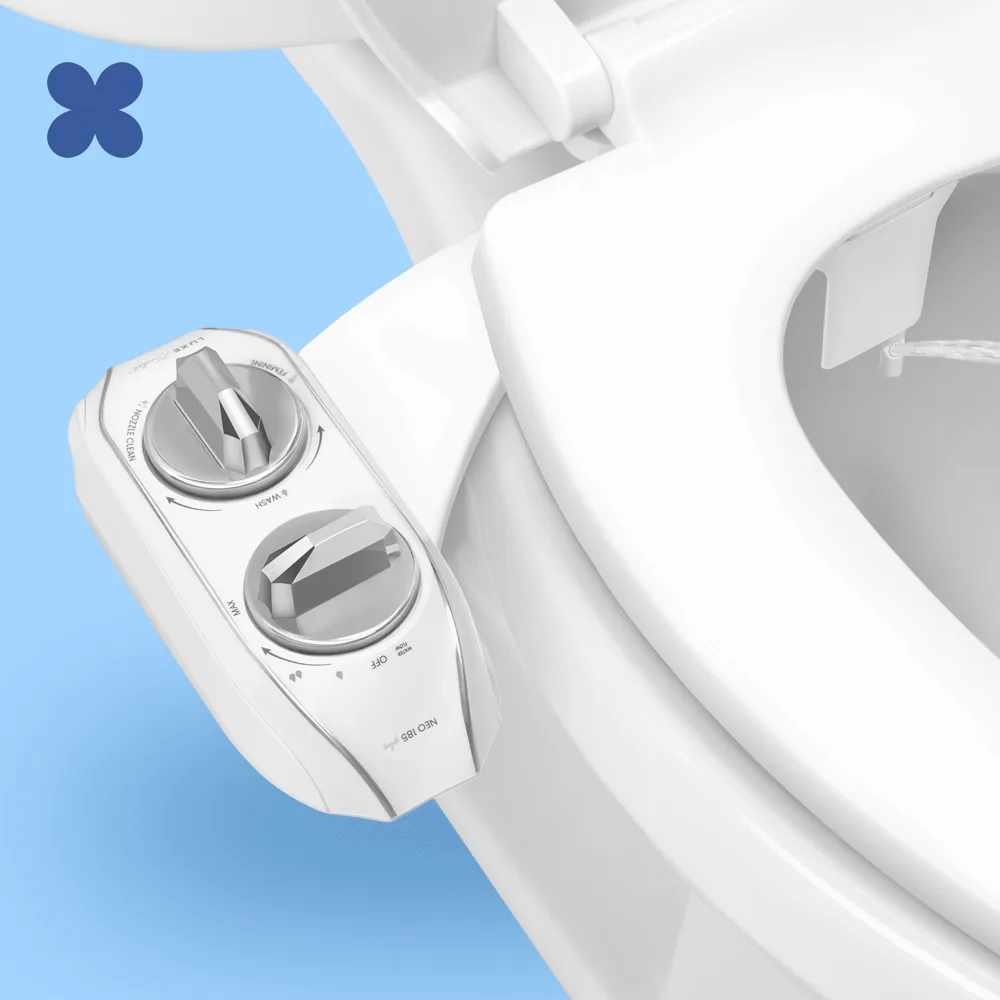
It slides in between the toilet seat and the bowl and connects to the toilet's existing water line. It doesn't need an outlet or a plumber. That also makes it renter-friendly: it comes off and goes back in the box when you move. A knob on the side controls the spray, and the nozzle cleans itself.
The honest notes:
- It's cold water only. That's how the non-electric models stay simple and cheap. If that's a dealbreaker, LUXE sells models that also hook into the sink's hot water line, and there are electric seats that heat the water. Both cost more and take more work to install.
- An expensive electric bidet seat adds heated water, a warm seat, and a dryer. Nice to have. But most of what a bidet does for you, the cheap attachment already does.
This is the best value on the list. You get a big daily upgrade for very little money.
4. Robot vacuum: eufy Omni C28 (after owning a Roborock S8 MaxV Ultra)
I've owned a Roborock S8 MaxV Ultra, one of Roborock's flagship models. I don't anymore, and now I have the eufy Omni C28. Having used both, here's the tradeoff.
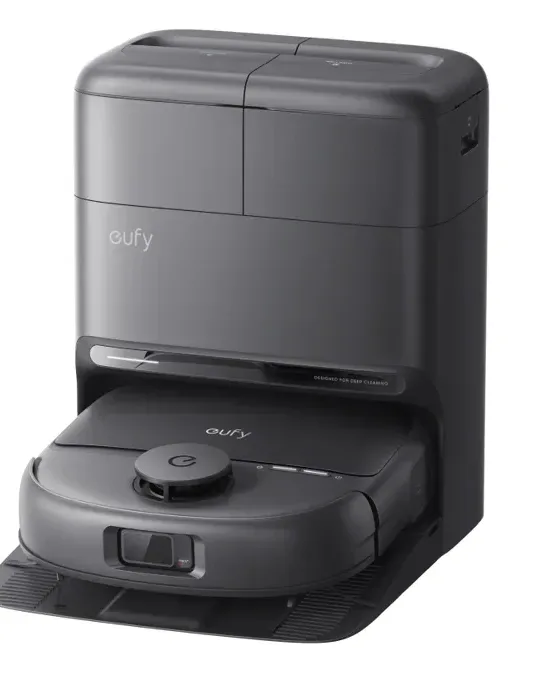
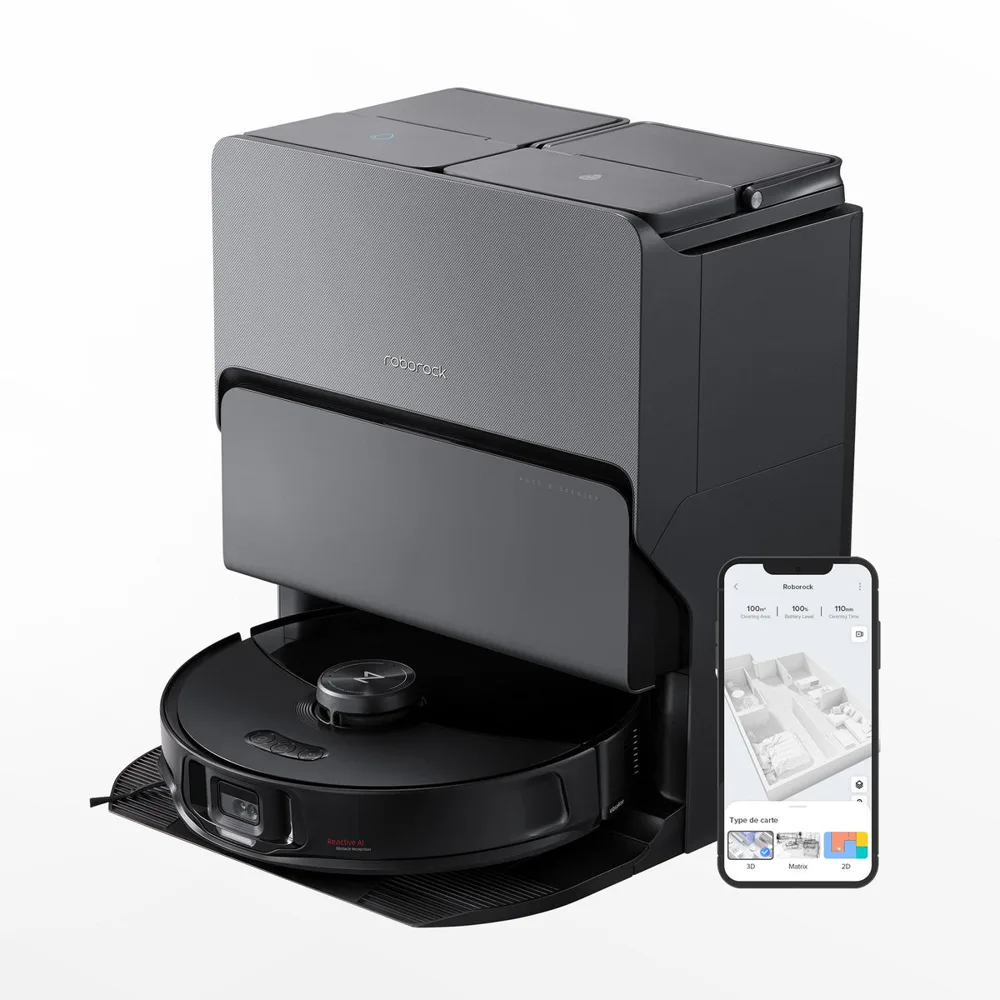
The short version: the Omni C28 costs much less than the S8 MaxV Ultra. That price gap is the whole story here. Everything below is about whether the Roborock's extras are worth it.
What the Roborock did better:
- Obstacle and cable avoidance. This is the big one. A robot that eats a phone charger or gets stuck on a cable mid-run hasn't cleaned your floor. The S8 MaxV Ultra was noticeably better at seeing and steering around small stuff on the floor. The C28 doesn't have a camera for spotting things like cables and socks, and reviews say the same thing.
- The app and features. Roborock's app is more polished and gives you more control over maps, rooms, and schedules.
Why the eufy is still the one I'd point most people to: the core job gets done. It vacuums, it mops, and the dock handles the chores that make a robot vacuum actually hands-off. It empties the robot's dustbin and washes its mop. For much less money, most of what the Roborock's extra cost buys is better obstacle avoidance and a nicer app, not cleaner floors.
How to decide:
- If your floors have cables, cords, and stuff on them, and you don't want to tidy before every run, the expensive robot's obstacle avoidance is worth paying for.
- If you can keep the floor mostly clear, the eufy gets you most of the way for much less money.
Whichever you buy, a robot vacuum is on this list for the same reason as the rest: it quietly takes a chore off your plate every week, forever.